
Understand Dutch everywhere you browse
Click any Dutch word on the page you're reading to see its meaning, grammar, and pronunciation. Save words as you read, review them as flashcards on EasyDutchNews, and watch your vocabulary grow.
Everything you need to learn Dutch naturally
No textbooks, no drills. Just read what interests you and learn as you go.
Click or Select to Translate
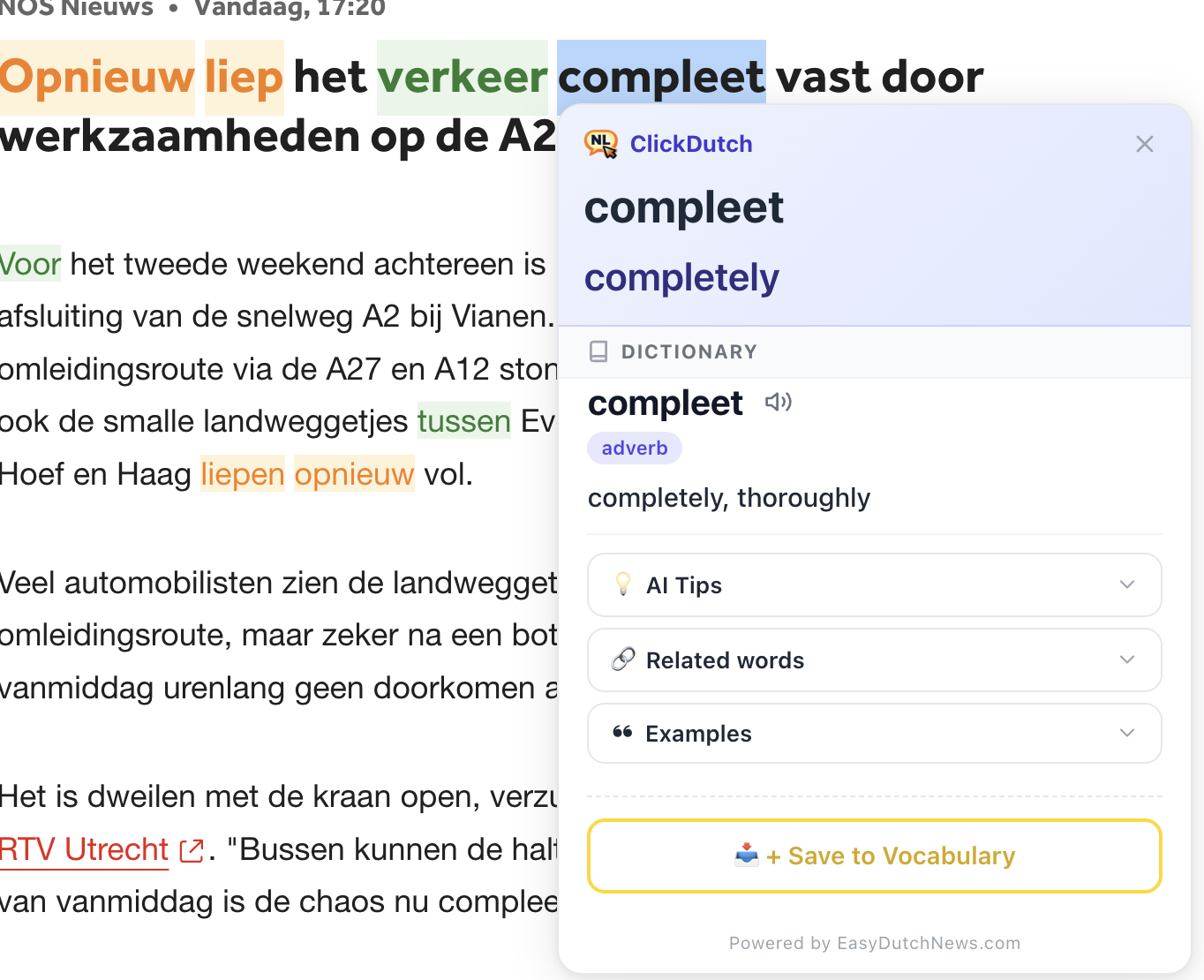
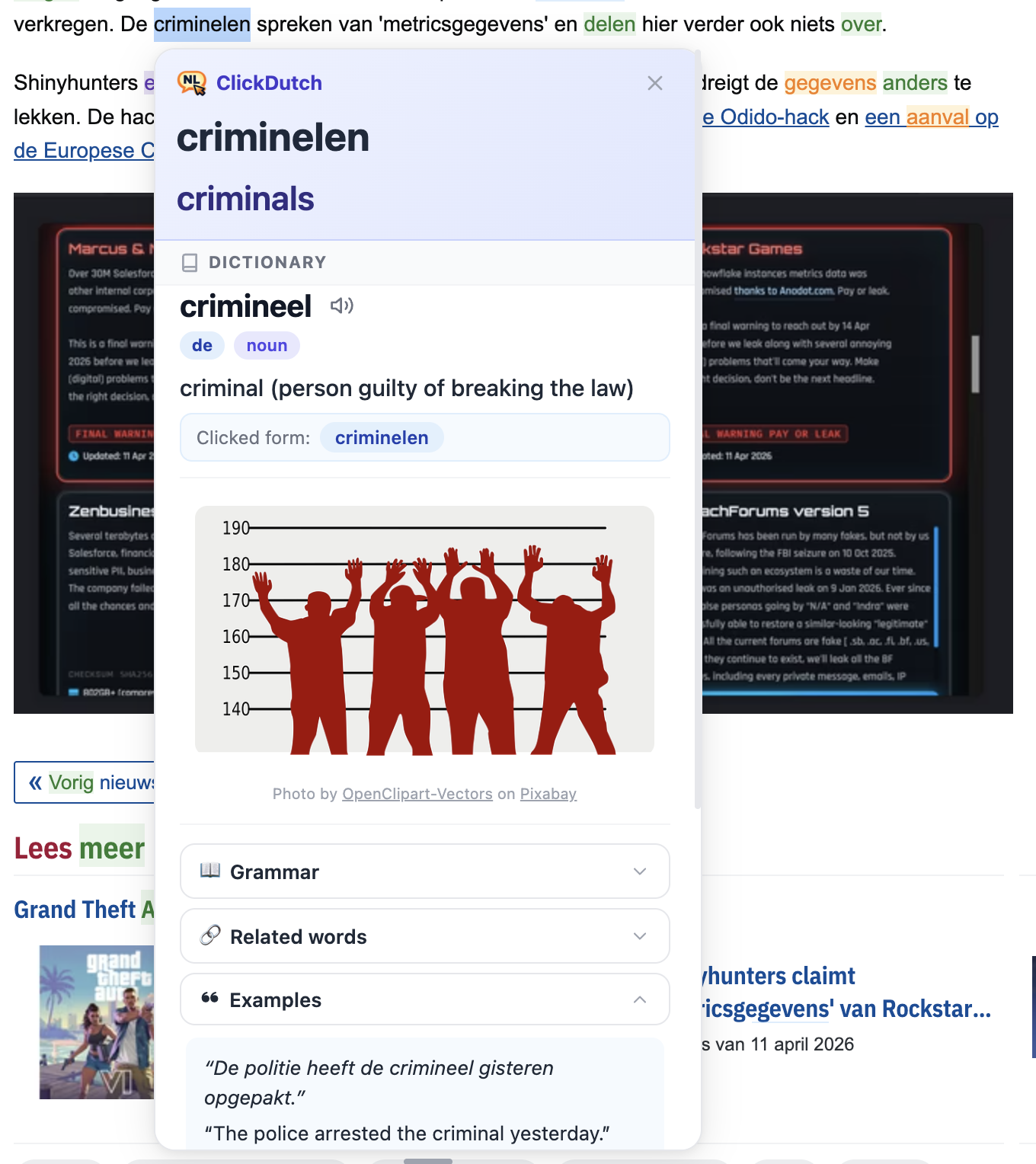
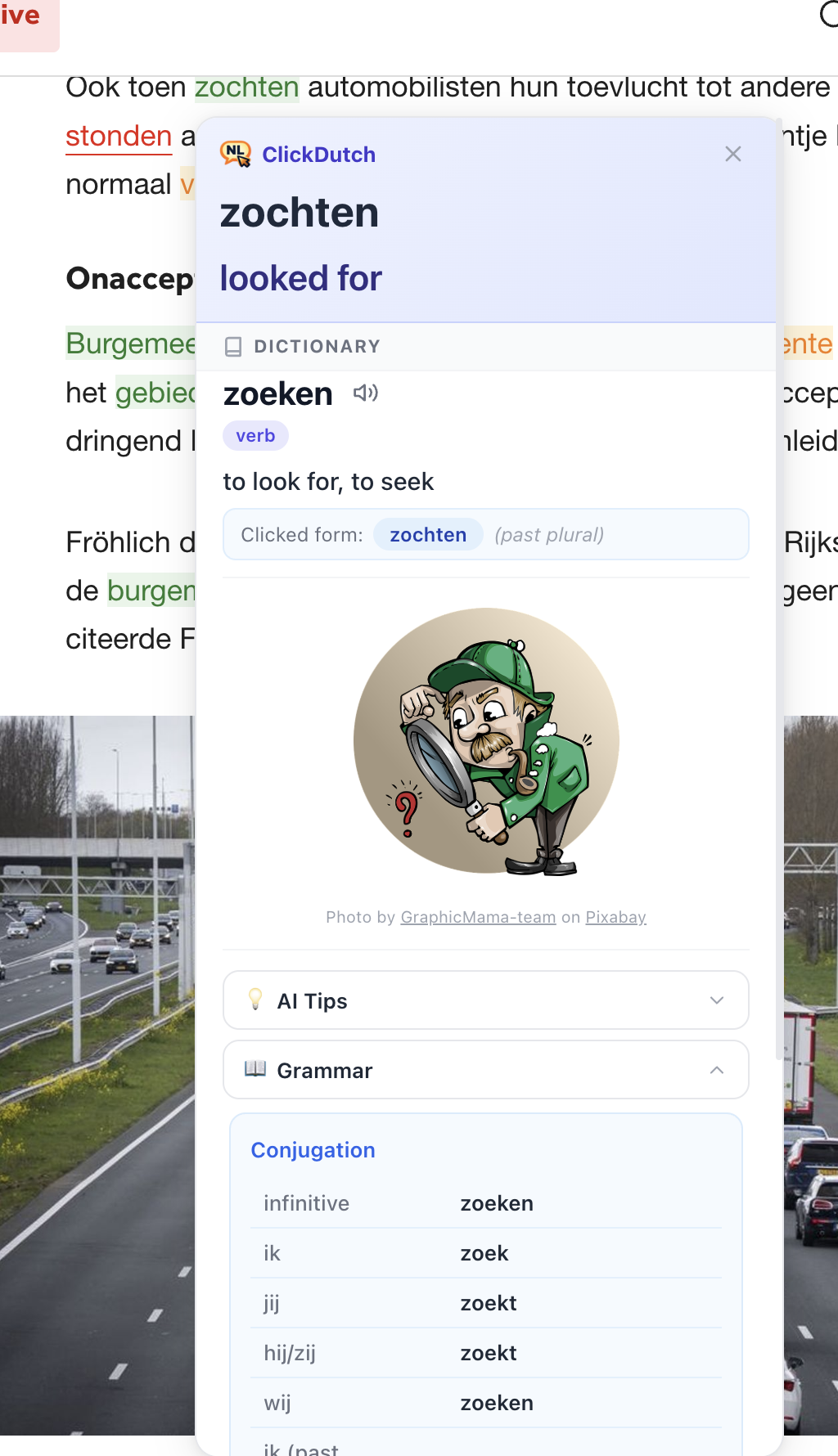
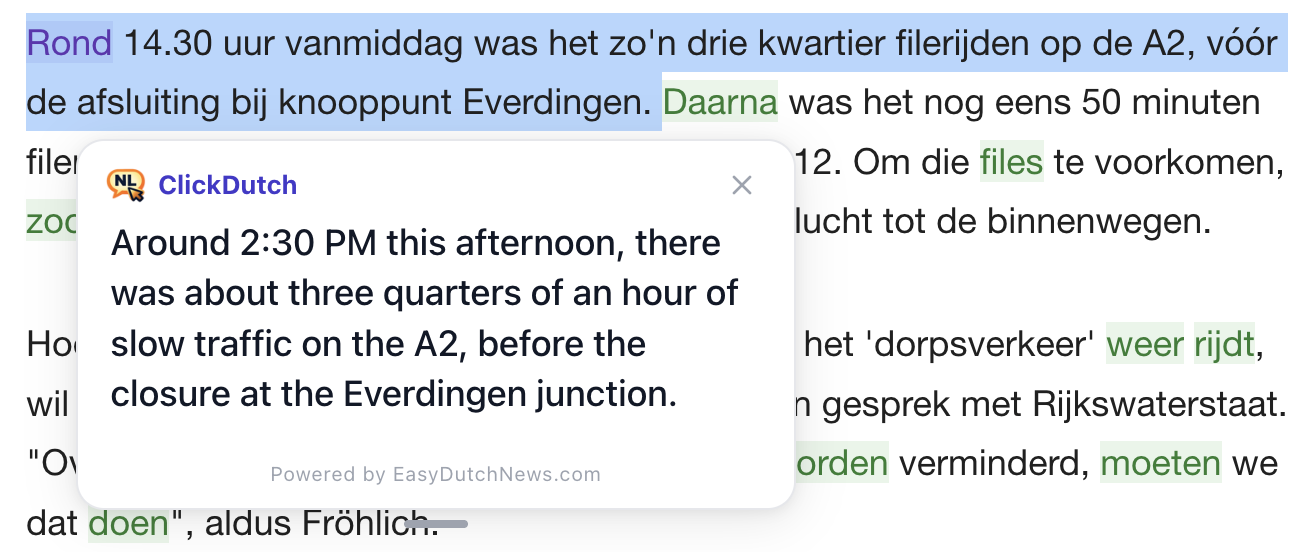
Click a single word for dictionary details and grammar, or select a full sentence for instant translation.
Grammar Tables
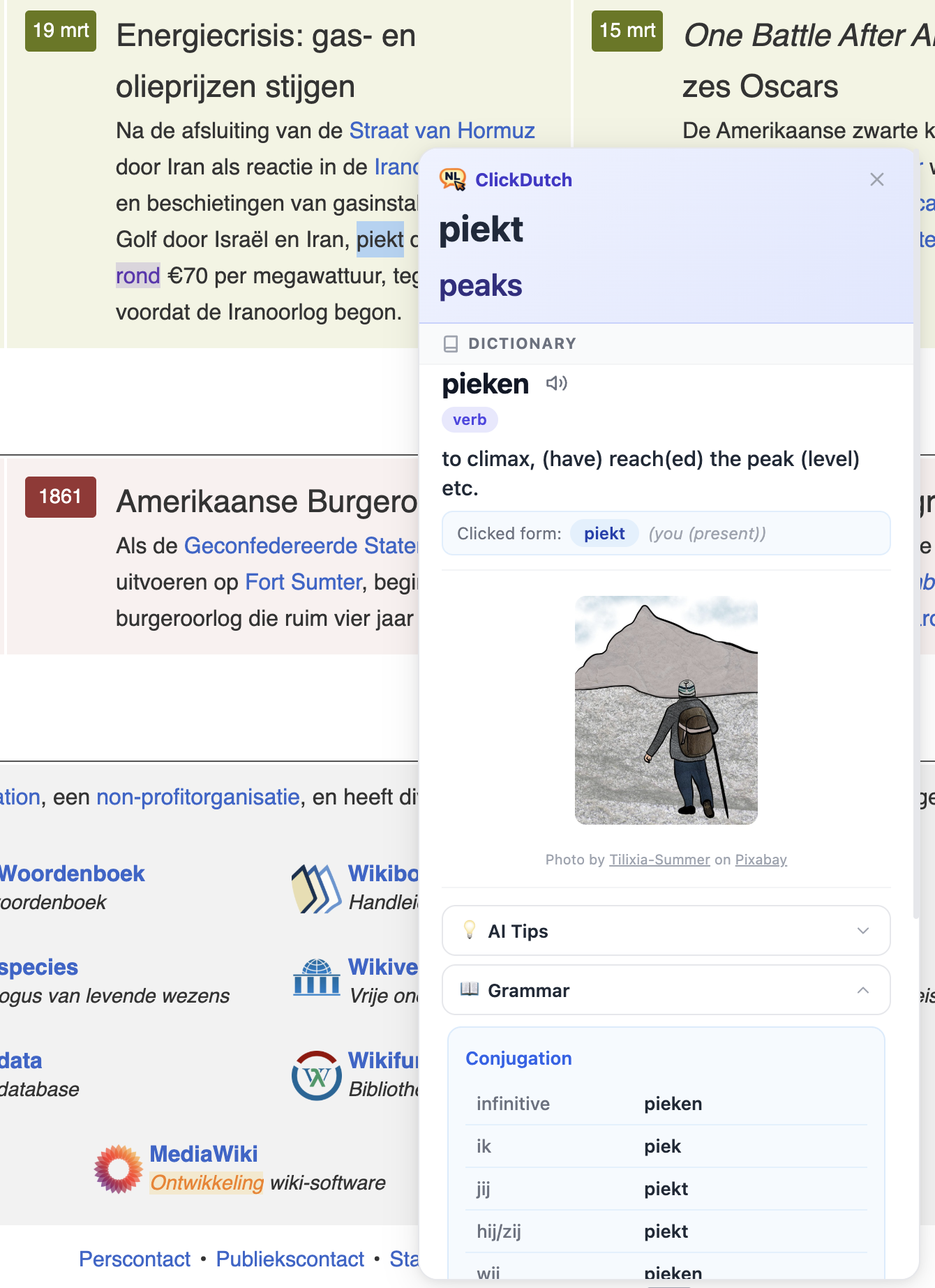
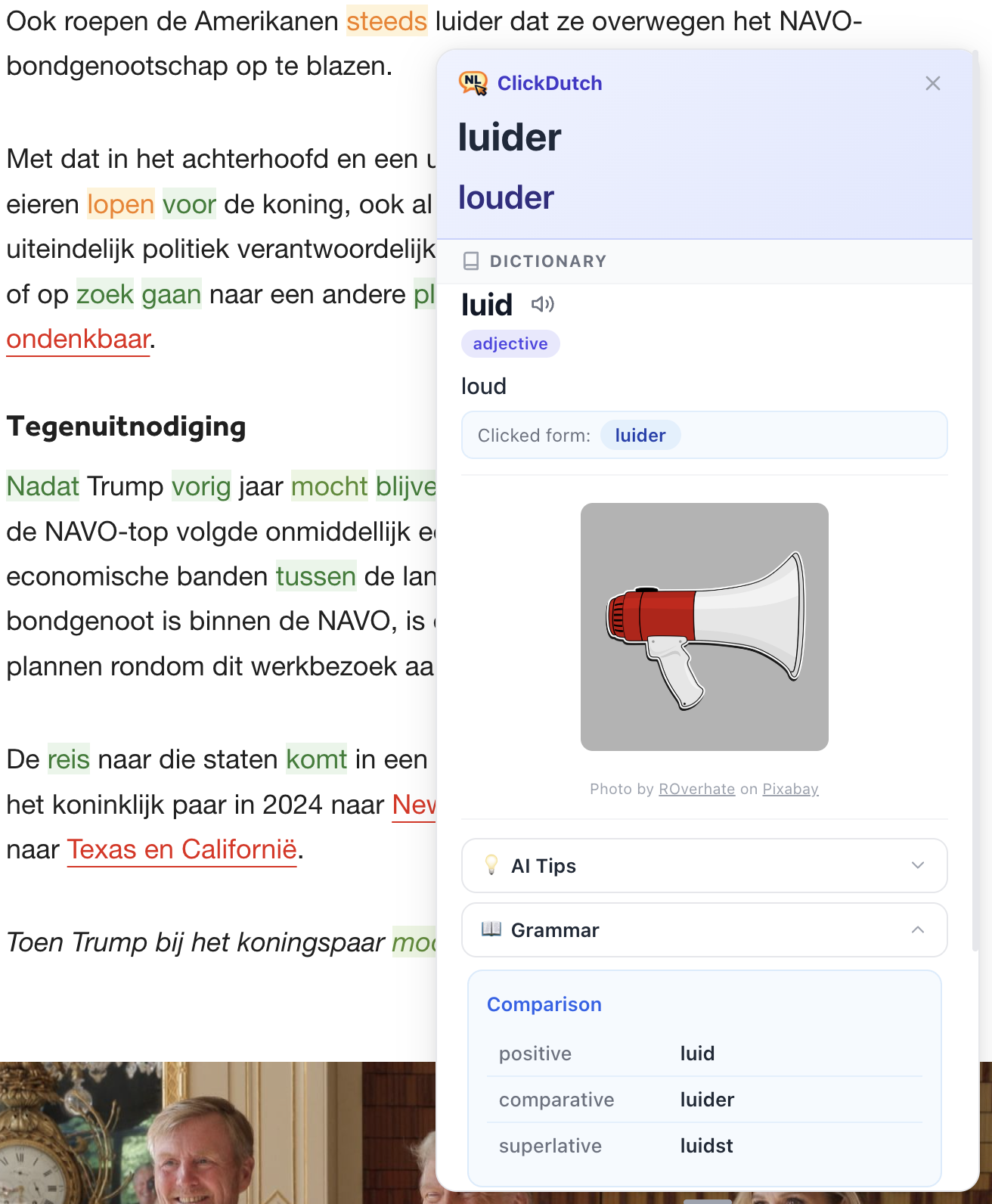
See verb conjugations, noun declensions, articles (de/het), and adjective forms — all in one popup.
Save & Review
Save words to your vocabulary with one click. Each saved word becomes a flashcard you can review on EasyDutchNews. Free users can save up to 50 words.
Flashcard Practice
Review saved words with flashcards. Each word progresses from new, through learning, to mastered — and your saved vocabulary gets highlighted with progress colors while you browse.
7 Languages
Translate Dutch into English, Persian, French, Spanish, German, Italian, or Turkish. Switch anytime.
Privacy First
You control where ClickDutch runs. Enable it on the sites you choose. Sensitive sites like banking and email are always excluded.
Up and running in 30 seconds
Install, sign in with Google, and start clicking Dutch words.
Install the extension
Add ClickDutch to Chrome in one click. Sign in with Google to get started.
Browse a Dutch page
Visit a website with Dutch text — news, Wikipedia, blogs, and more. Sensitive sites like banking and email are excluded.
Click any word to learn
See translations and grammar instantly. Save useful words in one click, then review them as flashcards on EasyDutchNews.
See it in action
Click a word for dictionary details, or select a sentence for instant translation.
Start free, upgrade when ready
Free gets you the core ClickDutch experience with generous limits. Pro removes limits and unlocks the full learning loop — early adopters lock in €2.99/month forever.
Free
Core translation and vocabulary features with generous limits.
- Click-to-translate on any Dutch page
- Grammar tables & conjugations
- De/het article display
- Audio pronunciation (20 plays/day)
- 7 target languages
- 50 word lookups per day (300/month)
- Save up to 50 words & 10 flashcard reviews/day
- Daily micro-lesson
Locked in for you — early adopters keep this price
Pro
Remove all limits and unlock the full learning loop across ClickDutch and EasyDutchNews.
- Everything in Free, plus:
- Unlimited word lookups & saving
- Unlimited flashcard & quiz reviews
- Saved-word highlights with mastery colors
- AI pronunciation & learning tips
- Pro features on EasyDutchNews included
- 7-day free trial
Yearly plan also available at €29.99/year (save 16%) on easydutchnews.com/pricing
One subscription, two platforms. Your Pro plan unlocks Pro features in both the ClickDutch extension and EasyDutchNews — including unlimited reviews, daily lessons, quizzes, and advanced vocabulary tools.
Frequently asked questions
Everything you need to know about ClickDutch.
ClickDutch works on Google Chrome and Chromium-based browsers like Microsoft Edge, Brave, and Opera. Firefox and Safari support is planned for a future release.
Yes! The free plan includes click-to-translate, grammar tables, pronunciation, 7 target languages, 50 lookups per day (300/month), saving up to 50 words, 10 flashcard reviews per day, and daily lessons. The Pro plan (€2.99/month or €29.99/year, with a 7-day free trial) removes all limits and adds mastery highlights, AI tips, vocabulary images, and Pro features on EasyDutchNews. This is the early adopter price — lock it in now and keep it forever, even if we raise prices later.
ClickDutch supports 7 target languages: English, Persian (Farsi), French, Spanish, German, Italian, and Turkish. You can switch your target language at any time from the extension popup.
ClickDutch works on most websites with Dutch text — news sites, Wikipedia, blogs, forums, and more. For your privacy and security, it automatically excludes sensitive sites including banking, email providers, payment services, government portals, password managers, messaging apps, productivity platforms (Google Docs, Slack, Teams, GitHub), and major shopping sites.
Yes, ClickDutch requires signing in with a Google account to use. Sign-in is quick and free — the same account works on easydutchnews.com if you upgrade to Pro.
ClickDutch is built by EasyDutchNews, a Dutch language learning platform. One Pro subscription unlocks Pro features across both the ClickDutch extension and EasyDutchNews — including unlimited reviews, daily lessons, quizzes, and advanced vocabulary tools. Words you save in ClickDutch automatically appear in your EasyDutchNews flashcard deck.
When you click a Dutch word, ClickDutch shows its grammar information: articles (de/het), verb conjugation tables, noun plurals, adjective forms, and more. This data comes from a comprehensive Dutch dictionary — no AI guessing.
ClickDutch does not track which websites you visit and does not collect your browsing history. It only activates on Dutch-language pages. When you click a word or select a sentence, that text plus its immediate surrounding context is sent to our servers so we can return an accurate translation and grammar. Sensitive sites like banking, email, password managers, and government portals are always excluded. See our Privacy Policy for full details.
Ready to start learning Dutch?
Join thousands of learners who are building their Dutch vocabulary just by reading what they love.